The story
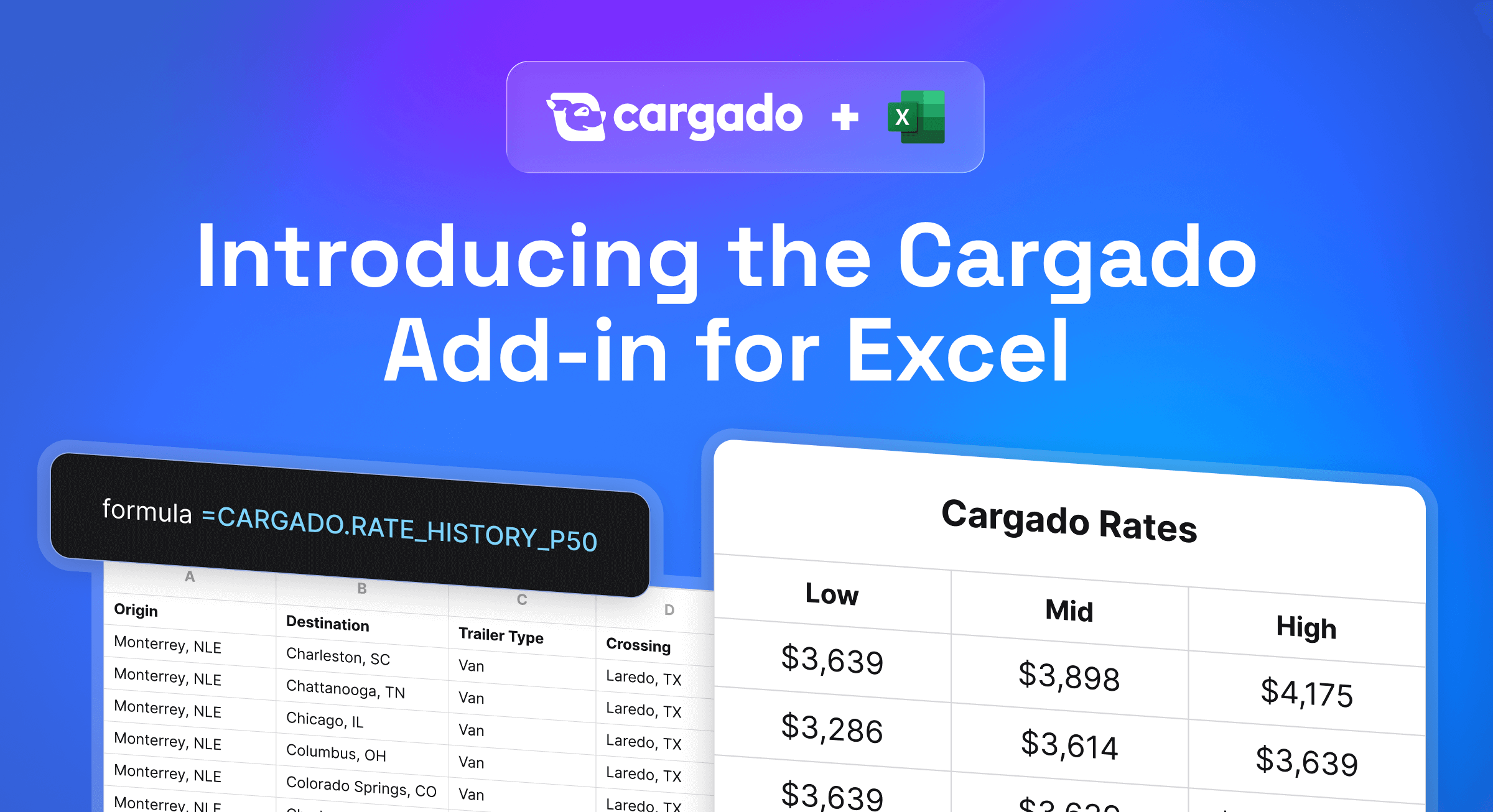
The Cargado add-in for Excel puts Cargado Market Rates inside your workbook, so you can price a whole RFP bid file without leaving Excel. Market Rates come from the bids carriers place on Cargado, a modern marketplace for Mexico and Canada freight.
What the add-in does
- Prices the whole bid file. Map your file's trailer and crossing wording once on the Cargado Mappings sheet, point the Cargado Rates sheet at your lanes, and fill down, one row per lane.
- Shows Low, Mid and High. They are the 25th, 50th and 75th percentiles of the carrier bids on that lane, so Mid is the middle bid, not an average. Each rate is a total per load with fuel included, in U.S. dollars.
- Labels the confidence. Strong, Medium or Lower reflects how many bids stand behind the lane and how much they vary, the same label you see in the Cargado web app, plus a margin of error in dollars and as a share of the Mid.
- Recommends the border crossing on U.S.-Mexico lanes.
- Says when there is no rate. The rate columns fill in only when enough recent bidding data supports a rate, so a thin lane never gets a made-up number.
Rates are built from the trailing 12 weeks of carrier bids on Cargado and refreshed weekly.
Who uses it
Brokers, 3PLs and forwarders price RFPs and spot quotes on Mexico and Canada lanes from real bids instead of asking carriers one lane at a time. When a lane has no rate, they can post it on Cargado as a potential, and the bids that come back show where the lane prices today.
Shippers building a bid file use it to set a target rate on every lane before the bids come back. Our guide to structuring a freight RFP with Mexico and Canada lanes shows where it fits.
How to get started
The add-in is included with your Cargado plan. An admin deploys it from Microsoft AppSource once for your organization, then each user signs in with their Cargado login, with no API key to manage. It runs in Excel for Windows, Mac and the web. Each lane that returns a rate is a market rate lookup, counted toward your plan the same way as a lookup in the app or through the API. Recalculating a lane you already priced this week does not count again.
Existing Cargado users can start with the Excel add-in guide. New to Cargado? Get a demo, see pricing, or read where Market Rates come from.